What should a small business website include? A checklist for UK businesses
· 3 min read

By Liam Yapp, Founder of Natter
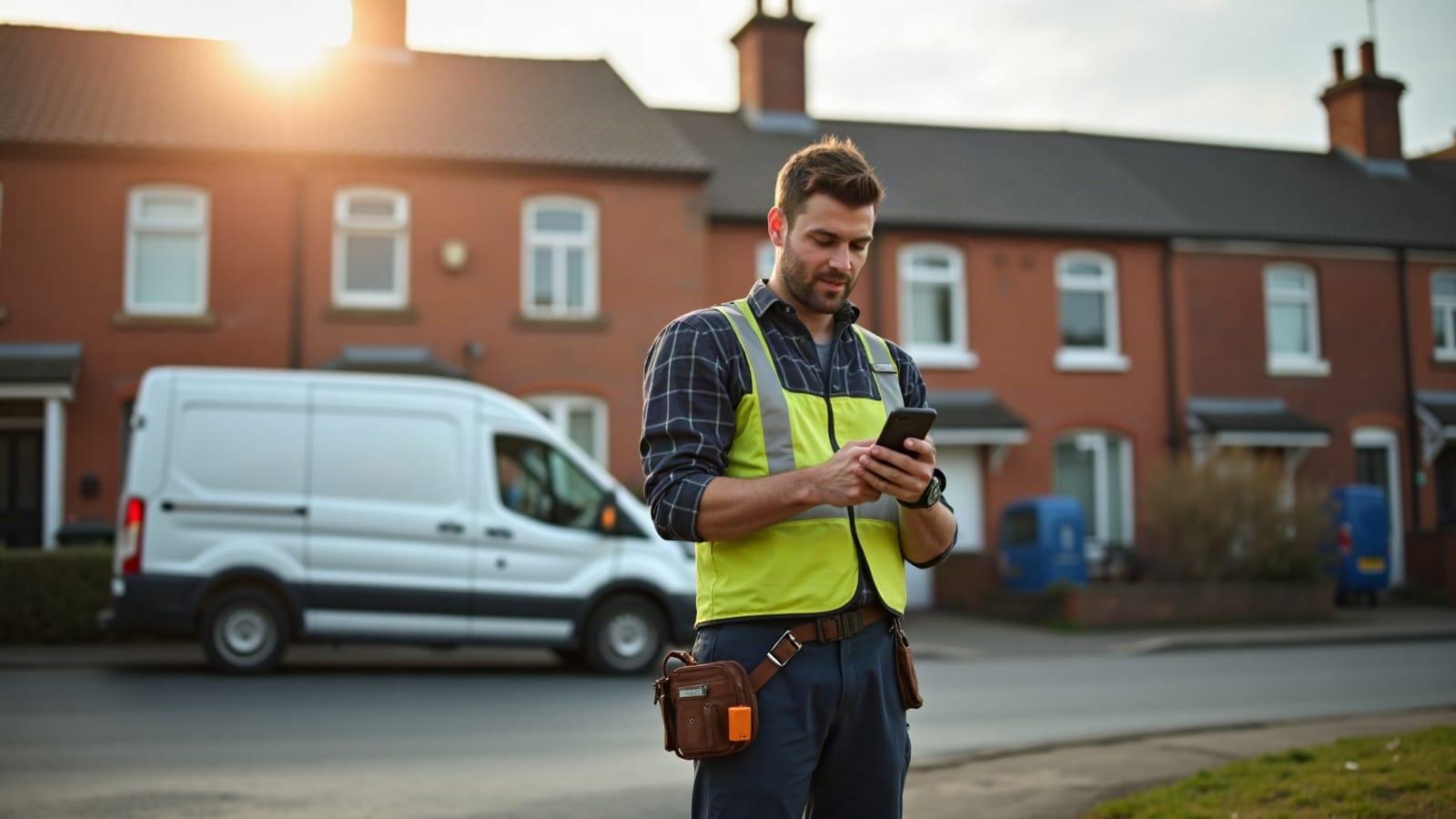
Most small business websites don't need to be big. They need to answer a visitor's questions quickly and make it easy to get in touch. Here's what to include, in roughly the order your visitors will look for it.
1. A home page that says what you do, where, in one line
Visitors decide within a few seconds whether they're in the right place. Your opening line should say what you do and where you do it, for example "Emergency plumber in Wirral, available 7 days a week". Put your main button ("Get a quote", "Book a lesson") right underneath it.
2. A page for each main service
If you offer three things, give each one its own page. A separate page per service:
- helps Google show the right page when someone searches for that service
- lets you explain prices, what's included and how it works without cramming
- gives you a clear place to send people from adverts or social posts
3. Proof that you're good at it
People buy from businesses they trust. The quickest wins are:
- Real reviews, ideally with names and a link to your Google reviews
- Photos of real work, not stock photos
- Qualifications, memberships or insurance, such as Gas Safe, DBS checks or trade body logos
Only show reviews you've genuinely received. Made-up testimonials can break UK consumer protection law, and customers can usually tell.
4. Clear contact details on every page
Put your phone number and a "Contact us" button in the header so they're always one tap away on a phone. Your contact page should include:
- A short enquiry form (name, contact details, message, nothing more)
- Your phone number and email address
- Your opening hours
- The areas you cover, or your address and a map if customers visit you
5. An "About" page with a human side
Tell people who you are. "I'm Sam, I've been fixing boilers around Birkenhead since 2009, and most of my work comes from neighbours recommending me" does more than a paragraph about "quality and customer service". Add a photo of yourself or the van. People like to know who's turning up at their door.
6. The legal bits
UK websites that collect any personal details (even through a contact form) need a privacy notice. If you use cookies beyond the essential ones, you'll need a cookie notice too. Limited companies must also show their registered company name, number and registered office address somewhere on the site, usually the footer.
7. Things visitors never notice, but Google does
- Speed. Most of your visitors are on a phone. A slow site loses them before it loads. Test yours free with Google PageSpeed Insights and aim for scores in the 90s.
- A title and description for every page, so your search results read well.
- Your business on Google Business Profile, with the same name, address and phone number as your site.
What you can leave out
You don't need a blog, a newsletter or an online shop on day one. Start with the pages above, get them right, and add more once enquiries are coming in.
Want to see yours?
If writing all this sounds like a weekend you haven't got, that's the bit we take off your hands. Natter asks you about ten questions about the business, then our AI mocks up the site, pages and all. You look at it first. No card details, no sales call. Start your website.
Comments
No comments yet. Ask a question or share what worked for you, and I'll reply.
Leave a comment